

Free on Tutorly.sg
Practise Oral with step-by-step help — free to start
On Tutorly.sg/app you can practise unlimited Singapore syllabus questions, get instant explanations when you are stuck, and use past-year papers — no sign-up needed to start.
- ✓ PSLE, O Level, A Level, and more
- ✓ Step-by-step working when you are stuck
- ✓ Works on phone and laptop
Quick answer
Feeling your heart race when you can't find the words during your O Level Chinese Oral exam? You're not alone. Let's tackle how to manage your time, present your answers clearly, and avoid common pitfalls so you can walk away with the marks you deserve.
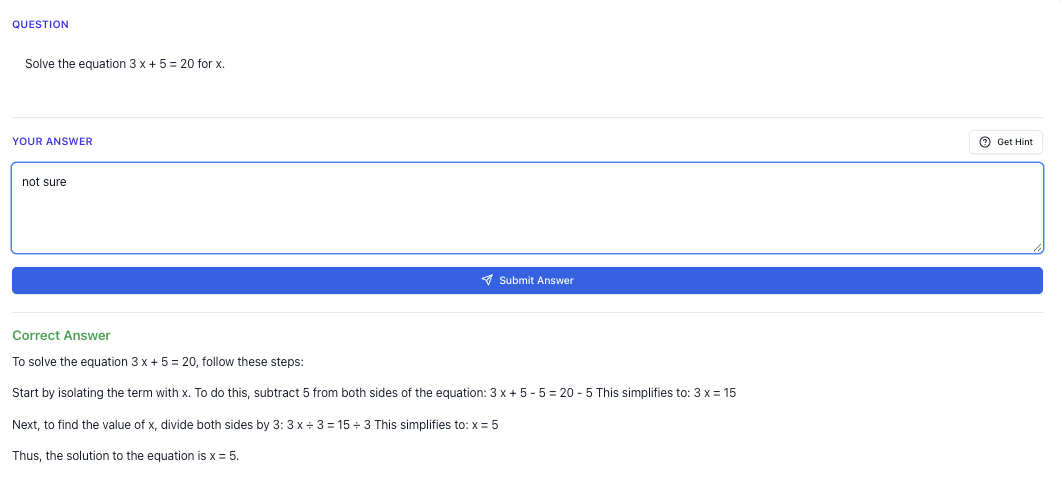
“Stuck on a question? See simple explanations that help you understand fast.”
👉 Give it a try and turn confusion into clarity in minutes.
What you need to know
The O Level Chinese Oral exam tests your ability to speak fluently and express your thoughts clearly in Mandarin. It includes reading aloud and a conversation segment. Knowing how to manage your time and present your answers effectively is key.
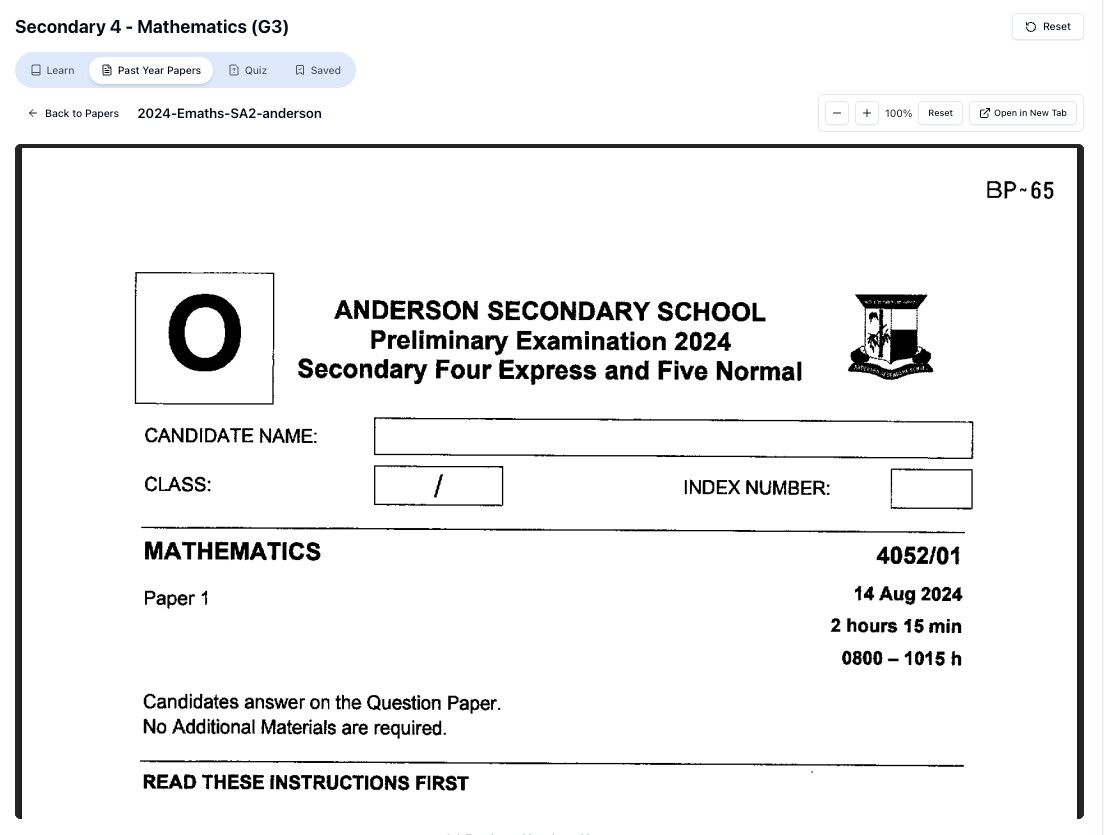
“Access more than 1000+ past year papers to practice”
👉 Start a paper today and test yourself like it’s the real exam.
Common mistakes students make
Mistake 1: Reading too fast
Rushing through the reading aloud section is a common mistake. It might feel like you're saving time, but it often leads to mispronunciations and lost marks.
Fix: Slow down and focus on clarity. Practice reading at a steady pace. Record yourself and listen for areas to improve.
Mistake 2: Rambling during conversation
In the conversation segment, students often go off-topic or ramble. This can confuse the examiner and make your points unclear.
Fix: Stick to the question. Plan your answer with a clear beginning, middle, and end. Practice with a timer to stay concise.
Mistake 3: Forgetting key vocabulary
Not using specific vocabulary can make your answers sound vague. This is especially important in conversation topics that require technical terms.
Fix: Build a list of key vocabulary for common topics. Use flashcards to memorize them. Practice using these words in sentences.
Exam tip — marks, presentation, time, question types
Reading Aloud
Step 1: Take a deep breath before starting.
Why: Calming your nerves helps you focus and start on the right note.
Step 2: Pronounce each word clearly, paying attention to tones.
Why: Proper pronunciation shows your grasp of the language and earns you marks.
Step 3: Pause slightly at commas and full stops.
Why: This helps with the natural flow and makes it easier for the examiner to follow.
Conversation
Step 1: Listen carefully to the question.
Why: Understanding the question ensures your answer is relevant.
Step 2: Structure your answer with an introduction, main points, and conclusion.
Why: A clear structure helps convey your thoughts logically.
Step 3: Use examples to illustrate your points.
Why: Examples make your answer more engaging and concrete.
Quick check
- What is a common mistake in the reading aloud section?
- How can you avoid rambling in the conversation segment?
- Name one way to improve your vocabulary for the oral exam.
Answers:
- Reading too fast, leading to mispronunciations.
- Stick to the question and structure your answer.
- Use flashcards to memorize key vocabulary.
Worked examples
Question
Imagine you are asked to describe a memorable festival you attended.
Solution
Step 1: Start with a brief introduction of the festival. "I attended the Mid-Autumn Festival last year."
Why: Setting the scene helps the examiner understand the context.
“Doing Secondary Science? Pick a topic and practise like it’s a real exam — with clear answers right after.”
👉 Try Tutorly now and start a Science topic in seconds.

Step 2: Mention a specific aspect you enjoyed. "The lantern parade was my favorite part."
Why: Highlighting a specific detail makes your answer more vivid.
Step 3: Conclude with a personal reflection. "It reminded me of the importance of family."
Why: A personal touch makes your answer memorable.
Quick summary
- Slow down when reading aloud; clarity over speed.
- Structure your conversation answers with clear points.
- Use specific vocabulary to boost your answers.
- Practice with a timer to manage your time effectively.
- Listen carefully to each question to stay on topic.
- Use examples to make your conversation answers stronger.
FAQ
What's the best way to improve my pronunciation?
Practice reading aloud daily and record yourself. Focus on difficult words and tones. Listening to native speakers can also help.
How long should my conversation answers be?
Aim for about 1-2 minutes. Enough to cover your points clearly without rambling.
What should I do if I forget a word during the exam?
Stay calm and try to explain the word using other words you know. This shows your ability to adapt and think on your feet.
How can I prepare for unexpected questions?
Familiarize yourself with a wide range of topics. Practice speaking about different subjects to build confidence.
Is it okay to ask the examiner to repeat the question?
Yes, it's better to ask for clarification than to answer incorrectly.
Free on Tutorly.sg
Practise Oral with step-by-step help — free to start
On Tutorly.sg/app you can practise unlimited Singapore syllabus questions, get instant explanations when you are stuck, and use past-year papers — no sign-up needed to start.
- ✓ PSLE, O Level, A Level, and more
- ✓ Step-by-step working when you are stuck
- ✓ Works on phone and laptop
Free practice
Try it yourself
Try practicing similar oral exam questions with step-by-step help on Tutorly
- ✓ Unlimited similar questions
- ✓ Step-by-step help when you are stuck
- ✓ No sign-up needed to start
Related Topics You Should Learn Next
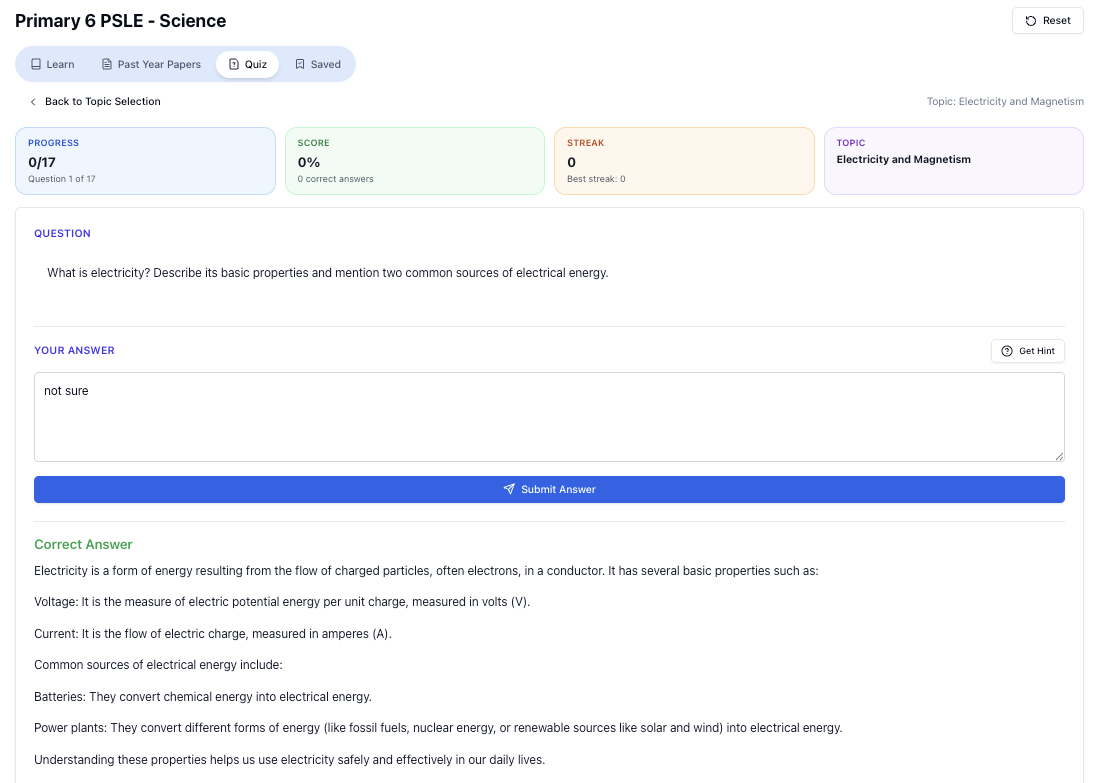
“Practice PSLE Science questions and get clear, step-by-step answers instantly.”
👉 Try a question now and see how fast you can improve.
Free on Tutorly.sg
Practise Oral with step-by-step help — free to start
On Tutorly.sg/app you can practise unlimited Singapore syllabus questions, get instant explanations when you are stuck, and use past-year papers — no sign-up needed to start.
- ✓ PSLE, O Level, A Level, and more
- ✓ Step-by-step working when you are stuck
- ✓ Works on phone and laptop